Freelancer Receipt Organization System That Saves Time
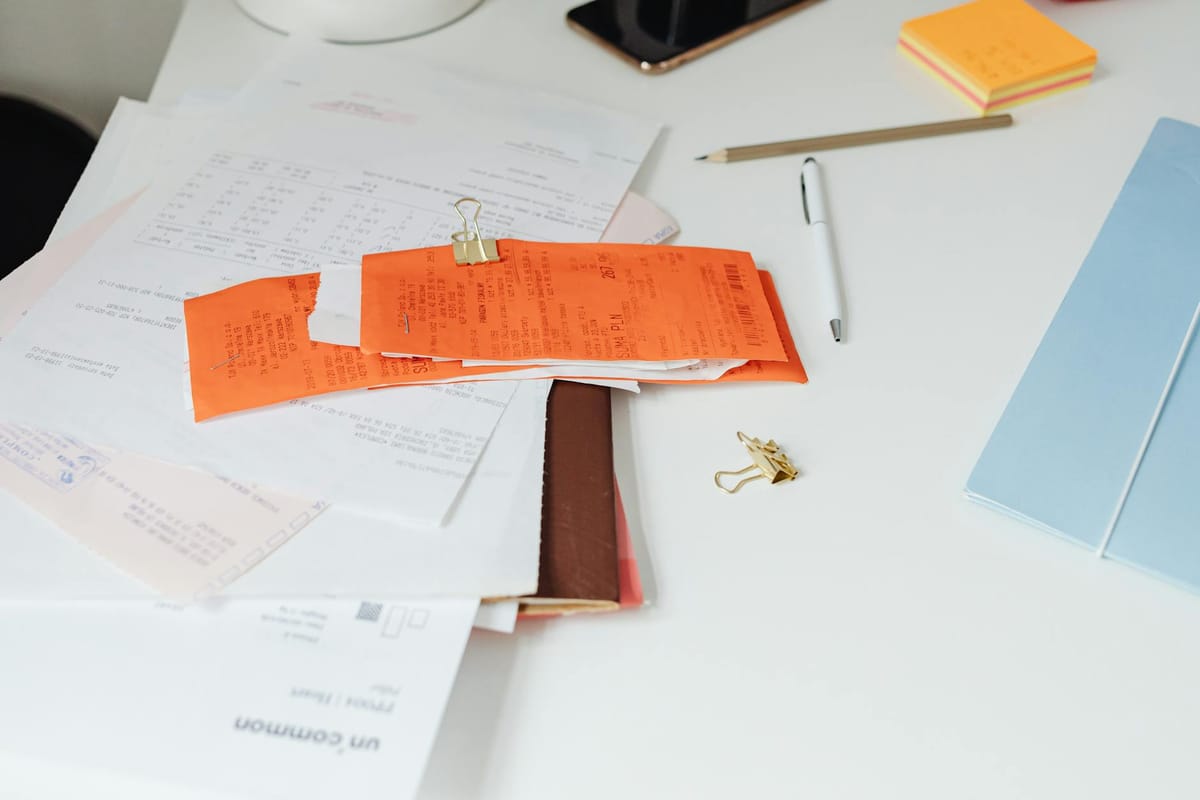
If your receipts are scattered across your car, wallet, email, and camera roll, you are not behind. You just need a freelancer receipt organization system that is easy to use when work gets busy.
A simple system helps you track business expenses, protect tax deductions, and avoid last-minute scrambling. It also gives you a clearer view of where your money goes each month.
You do not need complex software or a perfect bookkeeping routine. Most freelancers can stay organized with one storage location, one naming method, and one short weekly review.
In this guide, you will learn how to build a freelancer receipt organization system that is fast, practical, and easy to maintain all year.
Why every freelancer needs a receipt organization system
Freelancers manage client work, admin tasks, invoices, payments, and taxes. Without a reliable receipt process, small records pile up fast and become hard to sort later.
A strong freelancer receipt organization system helps you do three things well: document expenses, spot spending patterns, and stay ready for tax season.
Receipts protect your deductions
If you pay for software, office supplies, parking, advertising, equipment, or coworking, keep the record. Receipts support your expense log and make it easier to explain a purchase if questions come up later.
This matters even more for mixed-use items such as headphones, printers, or phone accessories. A short note about the business use can make your records much clearer.
Receipts show where your money is going
Receipt tracking is not only about taxes. It also helps you run a smarter freelance business. When you review spending by category, you can see which tools are useful, which subscriptions are draining cash, and where costs are rising.
Well-organized receipts become useful business data.
Receipts reduce tax-time stress
When your system works, tax prep gets much easier. You do not have to dig through old emails, faded paper slips, or random screenshots to rebuild a year of spending.
That saves time, lowers stress, and makes it easier to hand clean records to a bookkeeper or tax professional. If taxes are part of your bigger workflow, this pairs well with a quarterly taxes for freelancers guide so your records stay useful throughout the year.
How to build a freelancer receipt organization system
The best freelancer receipt organization system is the one you will actually use. For most people, that means a digital-first setup with as few steps as possible.
Step 1: Choose one main storage location
Start with one home base for all receipts. That can be a cloud folder, bookkeeping app, expense tracker, or accounting platform. The tool matters less than the habit of using the same place every time.
A simple folder system works well for many freelancers because it is low cost and easy to search. You can organize by year, then by month or category.
Example folder structure:
Receipts > 2026 > January > Software
Receipts > 2026 > January > Office Supplies
If you prefer an app, choose one that lets you upload photos, tag expenses, and match receipts to transactions. Simple and repeatable beats fancy and ignored.
Step 2: Capture receipts right away
Paper receipts fade, crumple, and disappear. Digital receipts get buried in crowded inboxes. The faster you save them, the less likely you are to lose them.
When you get a paper receipt, scan or photograph it the same day if possible. When a receipt arrives by email, move it to your receipt folder or save a PDF copy right away.
A clear file name helps later. For example: 2026-02-14-office-depot-printer-ink-42.
Quick capture is the foundation of a strong freelancer receipt organization system.
Step 3: Use file names you can search
Random file names make reviews harder than they need to be. Use one consistent format for every saved receipt so you can search by date, vendor, amount, or category.
A practical naming format for your freelance expense tracking system is:
YYYY-MM-DD_Vendor_Amount_Category
Example:
2026-03-08_Zoom_16_Software
This small step makes your digital receipt system much easier to search and share with a bookkeeper or tax professional.
Step 4: Add the business purpose when needed
Some receipts are clear on their own. Others need context. Add a short note for meals, travel, electronics, supplies, or any purchase that could look partly personal.
Examples:
- Client lunch for ABC Design project meeting
- Ring light for product photography for client content
- Parking for freelance event setup downtown
You can store these notes in a spreadsheet, bookkeeping software, or receipt app. The goal is to connect the purchase to your freelance work clearly and quickly.
What to include in your system each week and month
A freelancer receipt organization system works best when it becomes a routine, not a rescue mission. You do not need hours. You need a short habit you can keep.
Your weekly receipt routine
Set aside 15 to 20 minutes once a week. During that session:
- Scan or upload paper receipts
- Save email receipts to your main storage location
- Categorize each expense
- Add business-purpose notes where needed
- Match receipts to bank or card transactions
This quick check keeps your backlog small. It also helps you catch duplicate charges, forgotten subscriptions, or missing records before they become a bigger problem.
Your monthly receipt review
At the end of each month, review spending by category. Look for missing receipts, unusual spikes, and purchases that need notes or cleanup.
This is also a good time to back up your records. Even if you use cloud storage, keeping a second copy in another secure location adds protection for your freelance business records.
One weekly session and one monthly review can keep your receipt system under control all year.
Expense categories freelancers commonly use
Your exact categories will depend on your work, but common ones include:
- Software and subscriptions
- Office supplies
- Home office expenses
- Internet and phone
- Marketing and advertising
- Education and training
- Travel and parking
- Professional services
- Equipment and electronics
- Bank fees and payment processing fees
Choose categories that match your bookkeeping setup. Fewer gray areas means easier reviews and cleaner records.
Common receipt mistakes freelancers should avoid
Even a good freelancer receipt organization system can break down if a few habits slip. These are the biggest issues to watch for.
Waiting until tax season to organize receipts
This is the most common mistake. By tax time, receipts may be missing, faded, buried in your inbox, or hard to match to the right expense. Delayed tracking creates stress and can lead to missed deductions.
Mixing personal and business spending
Using one card for everything makes recordkeeping harder. If possible, use a dedicated business bank account and business card for freelance expenses.
Separation makes your receipt organization system cleaner from day one.
Saving receipts without logging the expense
A folder full of receipt images is helpful, but it is not a full system. You still need to categorize the purchase and connect it to your books, spreadsheet, or expense tracker.
Storage without tracking is only half done.
Forgetting digital receipts
Many freelancers save paper receipts but miss software renewals, stock assets, ad charges, domain renewals, and platform fees that arrive by email.
Create email filters for terms like receipt, invoice, payment confirmation, and order summary. It is a small fix that saves time all year.
Skipping backups
If your phone breaks or your laptop crashes, your records should still be safe. Back up important files in cloud storage and keep a second secure copy when possible.
A dependable freelancer receipt organization system always includes backup protection for your financial records. For broader recordkeeping best practices, the IRS recordkeeping guidance for small businesses is a useful reference.
Tools and templates that make receipt organization easier
You do not need expensive tools to stay organized. The best setup removes friction and fits how you already work.
Simple tools that support freelance receipt tracking
- Cloud storage: Good for storing scanned receipts in searchable folders
- Bookkeeping software: Useful for linking receipts to transactions automatically
- Spreadsheets: A solid low-cost option for manual expense tracking
- Email folders and filters: Helpful for capturing digital receipts and renewals
- Receipt scanning apps: Fast for paper receipts when you are on the go
If your freelance business is still small, start simple. A spreadsheet plus a cloud folder is enough for many people to build a working self-employed expense management routine.
A simple spreadsheet setup for receipt tracking
If you want a manual system, track these columns:
- Date
- Vendor
- Amount
- Category
- Payment method
- Business purpose
- Receipt saved? Yes or No
- File link or folder location
This setup turns your freelancer receipt organization system into a searchable expense log that is easier to review each month and share with a tax professional.
How to keep the system sustainable long-term
Keep the process light. If the steps feel annoying, you are less likely to stick with them. For most freelancers, this is enough:
- Capture the receipt immediately
- Save it in one consistent place
- Categorize it with a clear label
- Review everything weekly
That is a practical receipt management system for freelancers you can keep using year-round without burnout.
FAQ: Freelancer receipt organization system
What is the best freelancer receipt organization system?
The best system is simple, digital, and easy to maintain. Many freelancers do well with a cloud folder or bookkeeping app, consistent file names, and a weekly review habit. The right system is the one you will actually use every week.
How long should freelancers keep receipts?
Record retention rules depend on your location, tax situation, and business structure. Many freelancers keep receipts and related records for several years. For advice specific to your situation, check with a qualified tax professional.
Can freelancers use photos of receipts as business records?
Digital copies are often useful if they are clear, complete, and stored securely. Make sure the image shows the full receipt and is easy to match to the related transaction in your expense log.
Should freelancers keep paper receipts after scanning them?
Some freelancers keep paper copies for a short period, while others rely on digital files once they confirm the image is readable and backed up. For large or unusual purchases, keeping the original for a while may be a smart extra step.
How often should you update your freelance receipt system?
Weekly is a good rhythm for most freelancers. A short weekly session keeps receipts from piling up and makes monthly bookkeeping much easier. Consistency matters more than perfection.
Do freelancers need separate accounts to organize receipts effectively?
A dedicated business bank account and card make freelance expense tracking significantly easier. When personal and business spending are separated, your receipt system stays cleaner and your records are simpler to review at tax time.
A strong freelancer receipt organization system does more than help at tax time. It gives you a better view of your spending, supports cleaner records, and makes your business feel easier to manage.
You do not need a perfect setup. You need one that works on ordinary busy weeks. Start with one folder, one file-naming format, and one recurring reminder on your calendar.
Build the habit once, and your future self will spend less time searching for receipts and more time focused on earning.
Gigs Money Tips
Financial Planning tips for Gig Economy Workers.